Not sure that your soldering is the issue with 4th key.
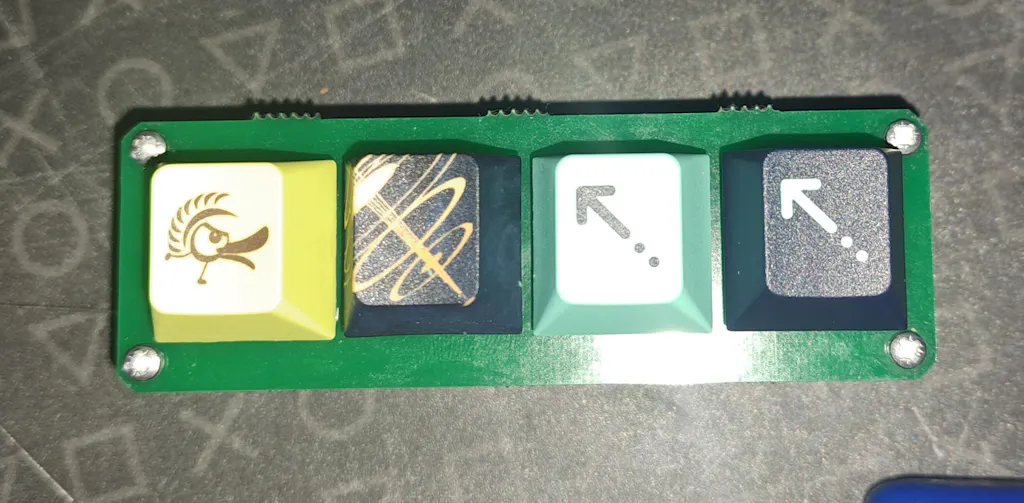
After soldering this up I installed KMK (rather than QMK) as I wanted to be able to set up the macropad as a generic HID rather than a composite HID, and I reckon that KMK will be easier for that - haven't got that far yet. Just finished building the board and getting KMK to recognise the keys.
The problem I found with the RP2040 Pro Micro is that rather than just use digital GPIO pins (like GPIO2 thru GPIO9, all of which are free) the board uses 3x digital IO pins and 1x analog / digital IO pin (i.e. GPIO26). This appears to cause problems with KMK's scanning speed (and possibly QMK's) of the buttons where the analog / digital nature of GPIO26 makes this slower. I wasn't getting key presses with the 4th key either!
The simplest way that I could see to rectify this issue was to flip the port mappings so that GPIO26 (and the others) would act as outputs and GPIO21 would act as an input. Thus the mappings are:
keyboard.col_pins = (board.GP21,)
keyboard.row_pins = (board.GP23, board.GP20, board.GP22, board.GP26)
This enabled me to get output from all 4 keys.
As I said I've just done the basics so far (need to add macros, and present as basic HID) - if I find any other quirks I will update here provided Mechboards are OK with that!
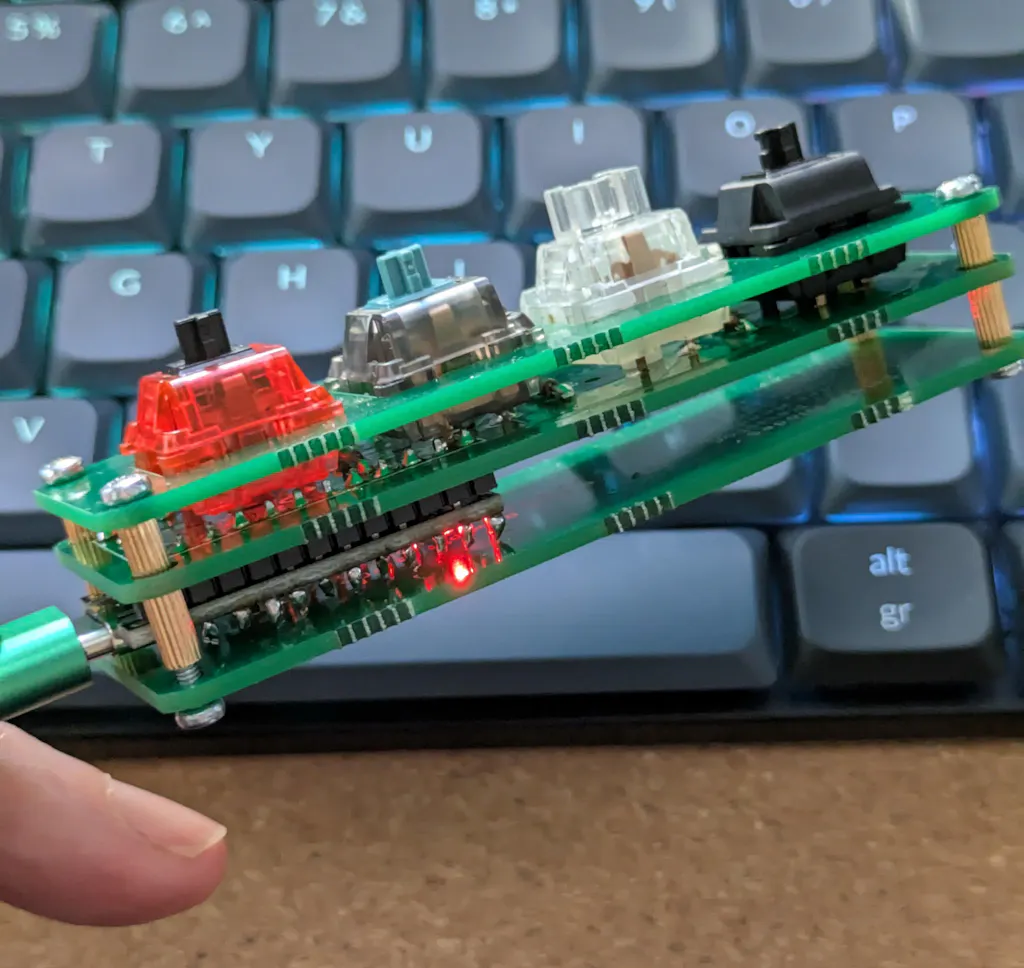
As far as the soldering was concerned it was straightforward, although I did use some round pin strips to act as a socket for the RP2040 pro micro so that I could more easily remove the MCU board if needed. It would be nice if Mechboards could include these for ease. I also had to use some larger brass mounts to cater for the increased height of the socket approach.
My interactions with Mechboards have been good, and I would be happy to recommend them to others.